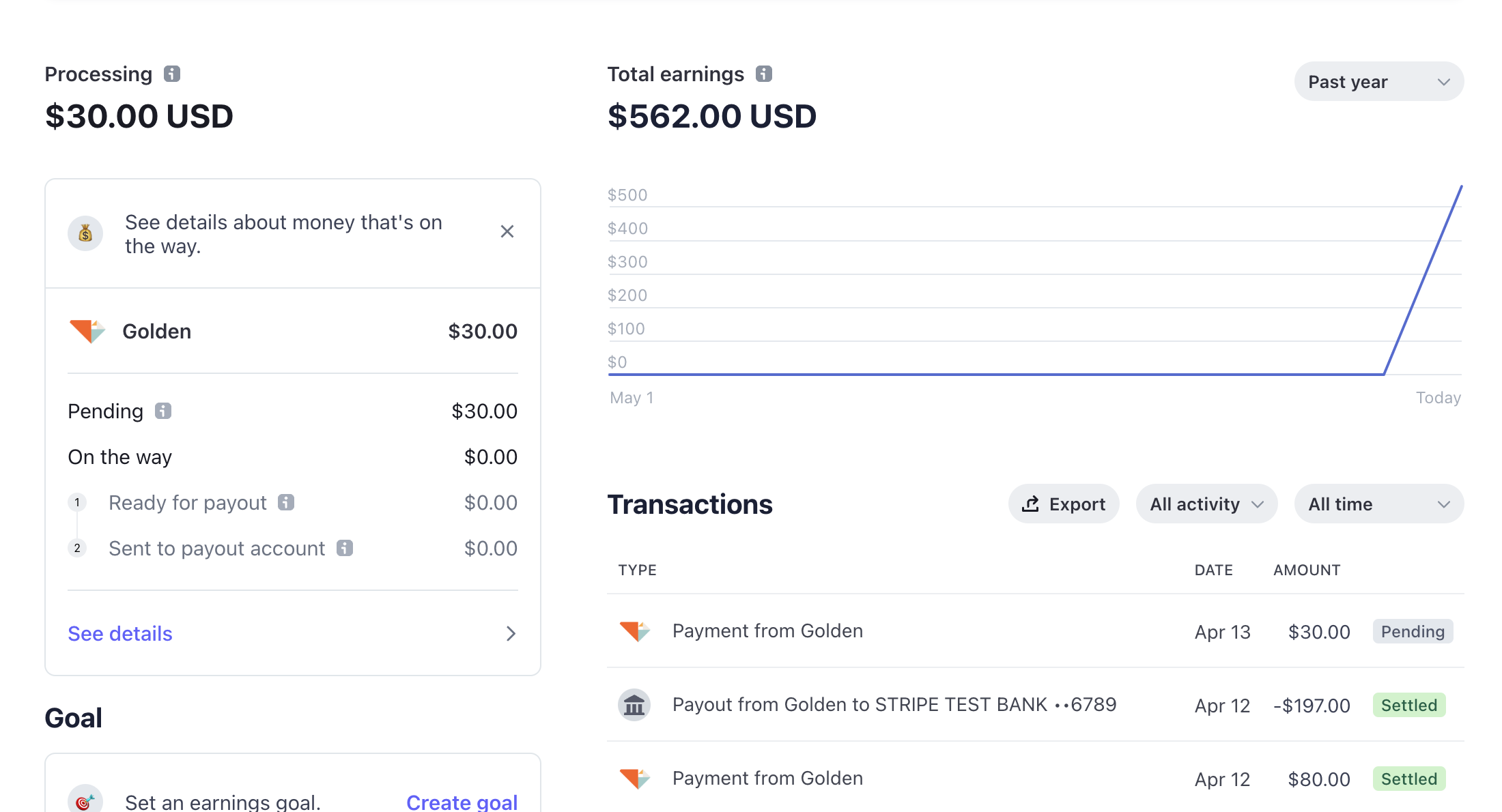
As a nonprofit on the Golden platform, your program staff and development office representatives can work together to benefit your community by collecting donations for features such as custom reservations and more.
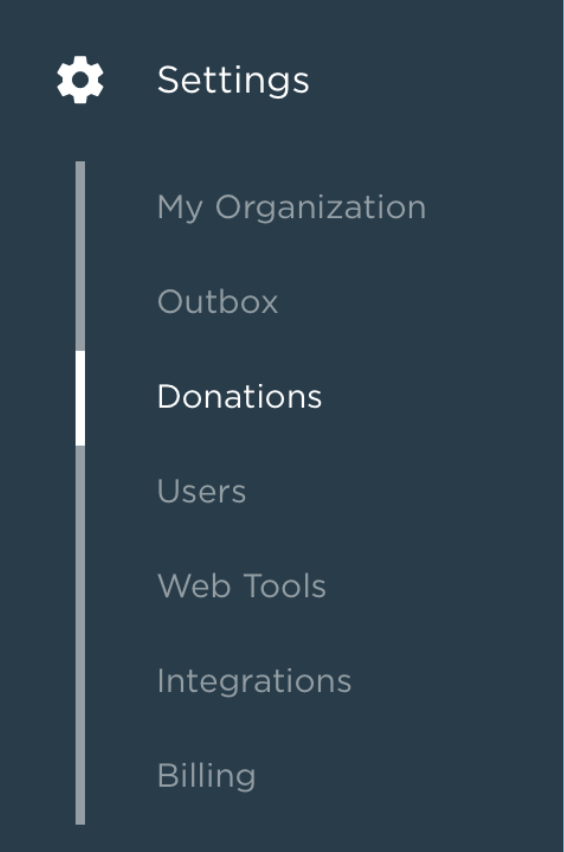
To start collecting donations for your custom reservations, you need to be the Owner or an Admin, or have the Organization Settings role if your organization uses Roles-Based Permissions. From there, log into the Golden dashboard and navigate to Settings and then Donations in the left navigation:
From there, you will be able to start setting up a connected account with our payment partner, Stripe:
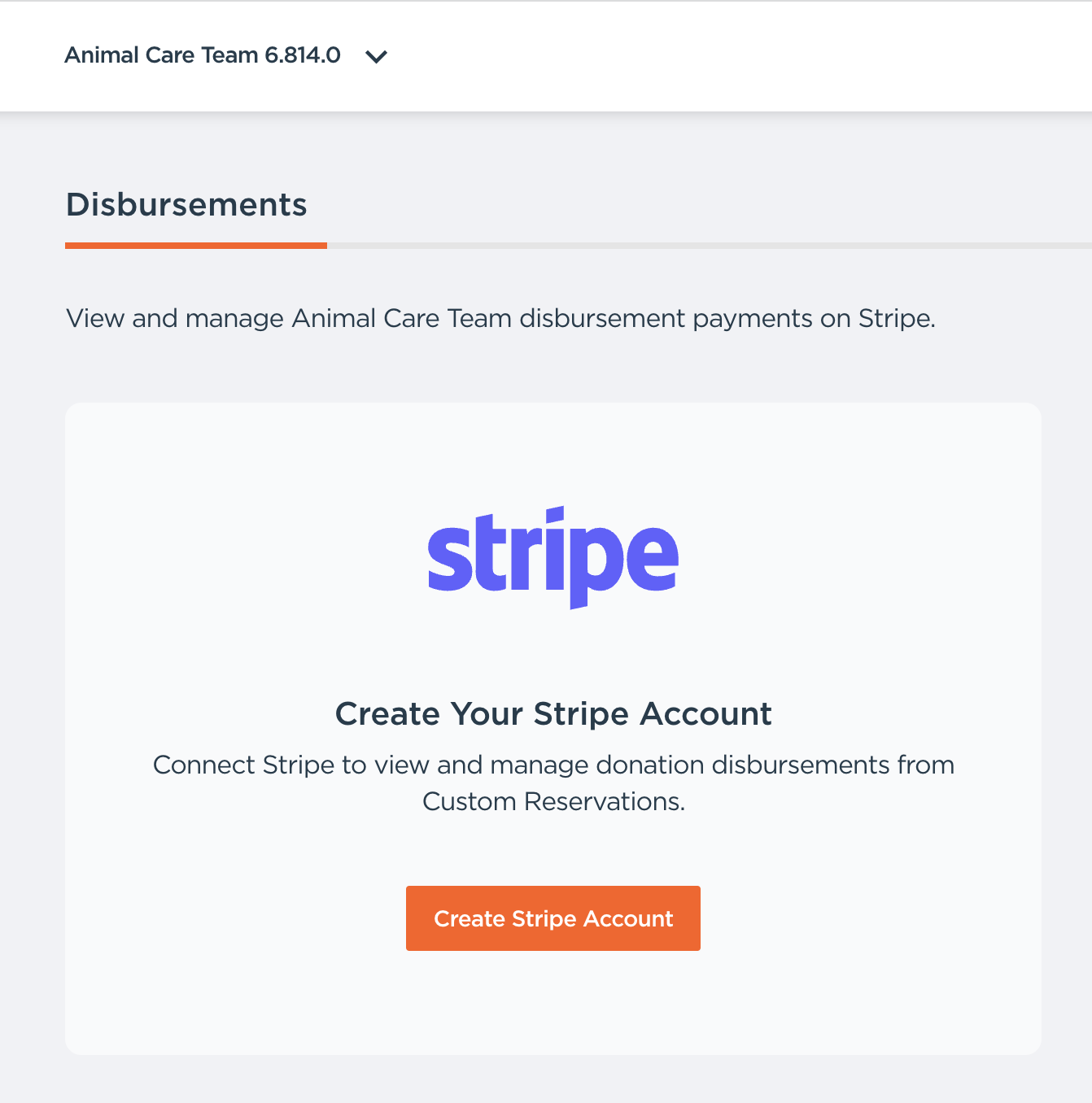
You will need to complete this account registration process with Stripe, including steps to provide and verify your bank account, on their platform. From the Golden dashboard, make sure that browser popups are enabled in order to start the process.
Once completed, and your corporate partners have paid to unlock some custom reservations, you will start seeing a quick summary of payments in your dashboard, like so:
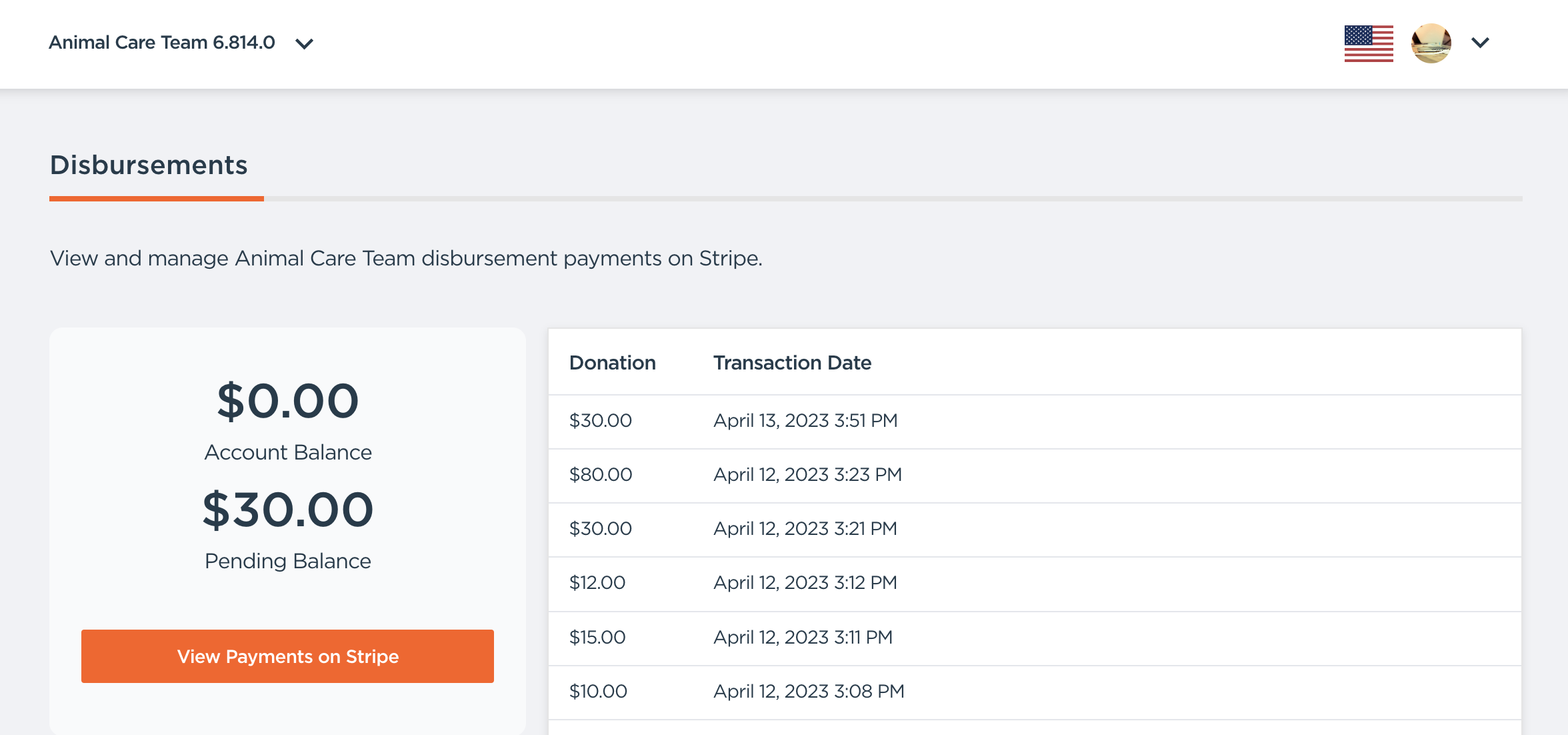
And by clicking on "View Payments on Stripe", you always have the ability to see more details: