
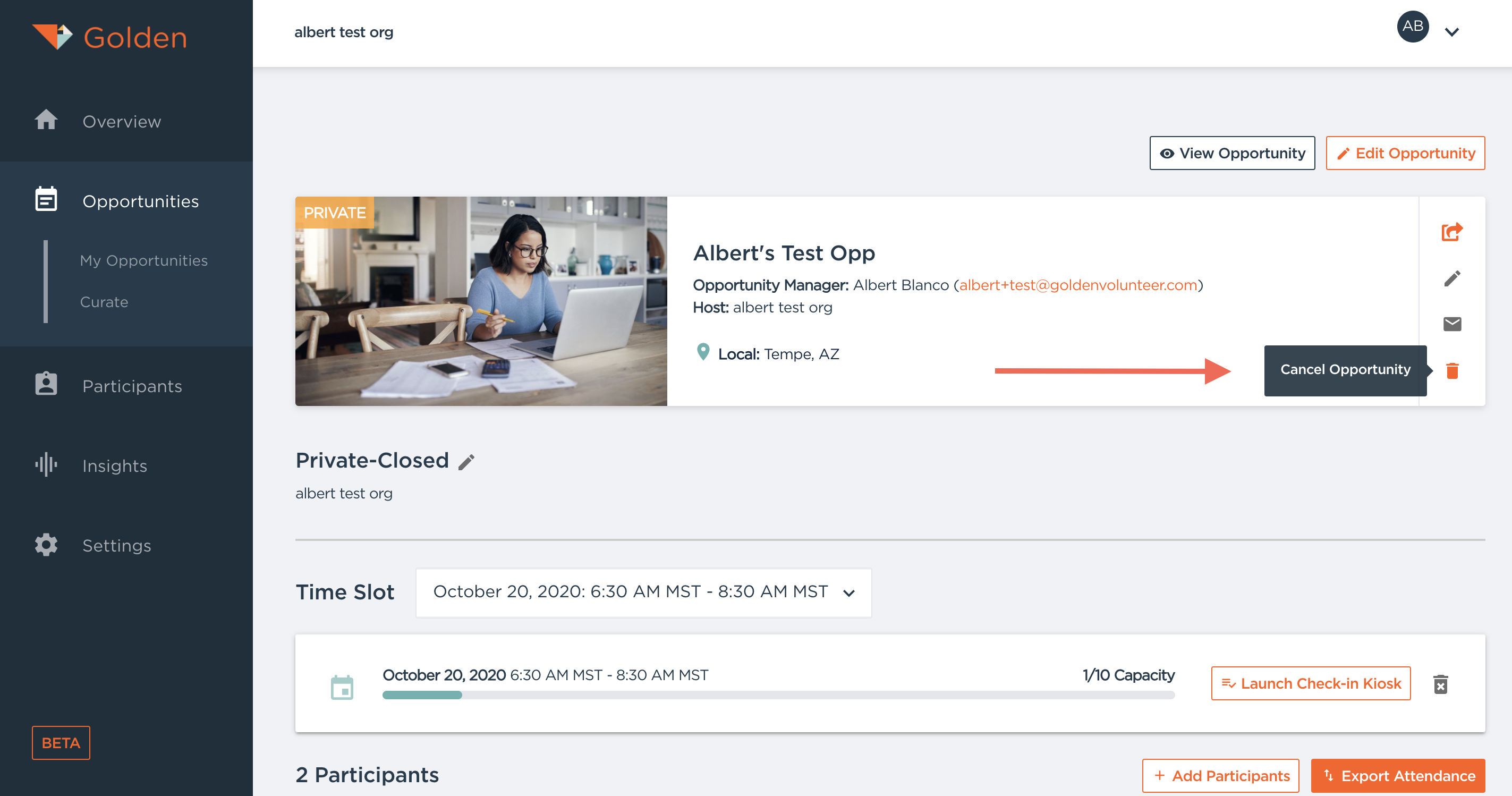
If you would like to cancel an Opportunity, edit the Opportunity and scroll to the bottom of the page. Here, you will be able to cancel the Opportunity. All Canceled Opportunities are automatically stored in the Opportunities tab and can be reactivated at anytime! You can also cancel individual timeslots if you would like to keep your opportunity.
Participants will be automatically notified of the cancellation via email and push notification to their phone.
Questions? Contact us at support@goldenvolunteer.com