
At Golden, we're always working to give you more control over your volunteer opportunities and who can discover and access them. Let's walk through the different audience settings available to help you manage your opportunity visibility!
Changing Audience Settings
To change the Audience Settings, select the Opportunity you'd like to update. On the first page of the menu, you'll find a drop-down where you can choose from these privacy options: Open, Private-Open, Private-Unlisted, or Private-Closed.
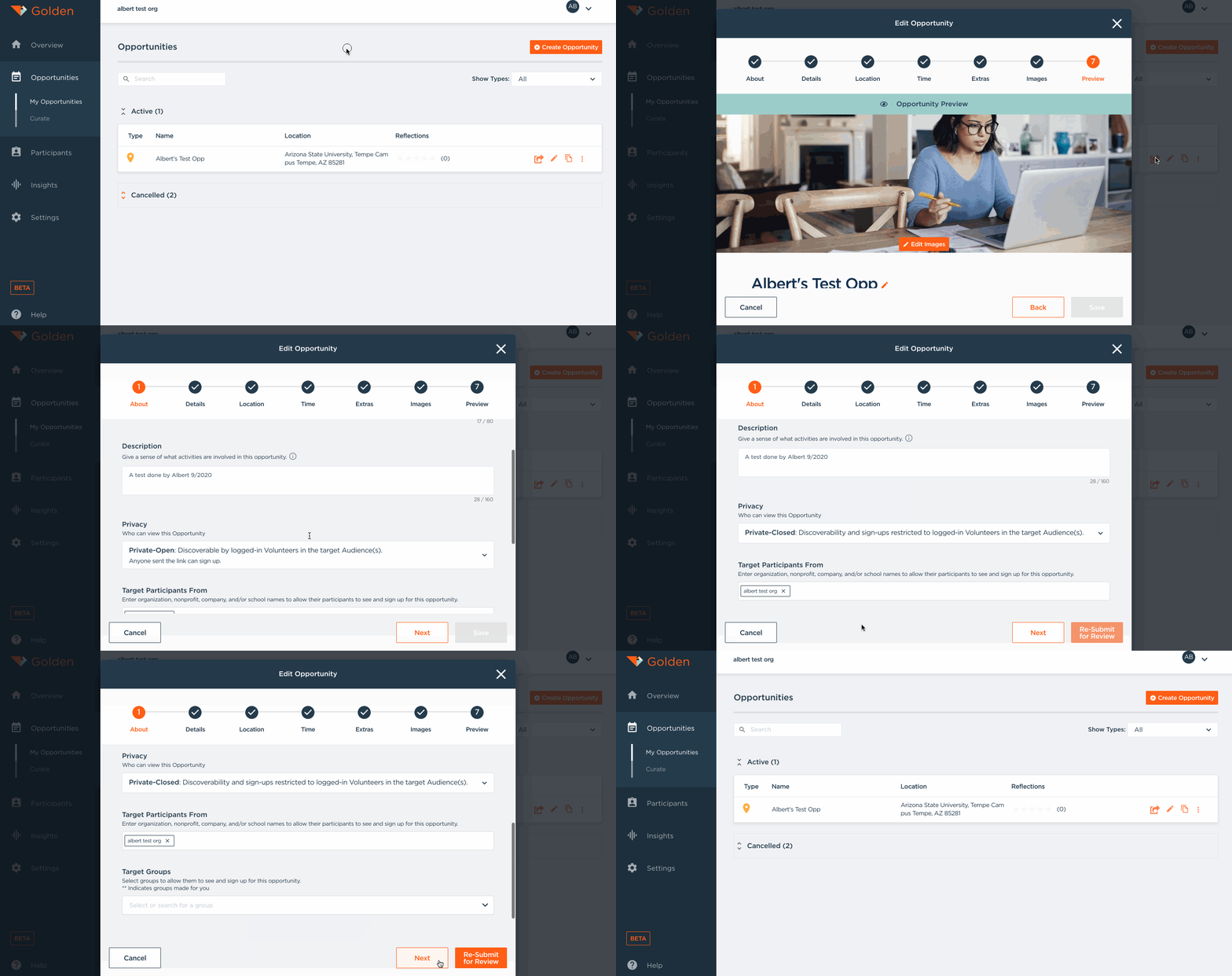
Open
An Opportunity that is "Open" means that anyone can see the listing and sign up! This includes anyone using Golden's publicly-available mobile apps, any links you share, and the websites of local governments or volunteer centers powered by Golden. If you're looking to recruit new volunteers and want maximum visibility, this is the ideal audience setting—your Opportunity will be open to the public.
Private-Open
"Private-Open" works like an "unlisted" opportunity. Only members of the Audiences you've targeted (whether they're Affiliates of your organization or any organization on Golden, or members of a Group you've created) will be able to discover this Opportunity in their Opportunity Feed on the mobile apps or web portal. However, if you or anyone else shares a Sign-Up Link directly with people outside of the targeted audience, those recipients can still sign up too. This setting is great when you want to host a more select group of people but are okay with volunteers bringing friends along.
Private-Unlisted
"Private-Unlisted" functions similarly to Private-Open—only members of your targeted Audiences will discover the Opportunity in their feeds. The key difference is that you can choose to hide the share button on the sign-up screen, making it more difficult (though not impossible) for the opportunity to be shared beyond your intended audience. This provides an extra layer of control while still allowing direct link sharing if needed.
Private-Closed
"Private-Closed" means that only members of the Audiences you target will be able to discover AND sign up for the Opportunity. Even if someone receives a direct link, they won't be able to register unless they're part of your targeted audience. This audience setting is perfect for Opportunities where volunteers must be vetted—you can create a volunteer group with users who have completed trainings, interviews, background checks, or other requirements, and share opportunities exclusively with them!
For more information, here's a video:
Questions? Contact us at support@goldenvolunteer.com