
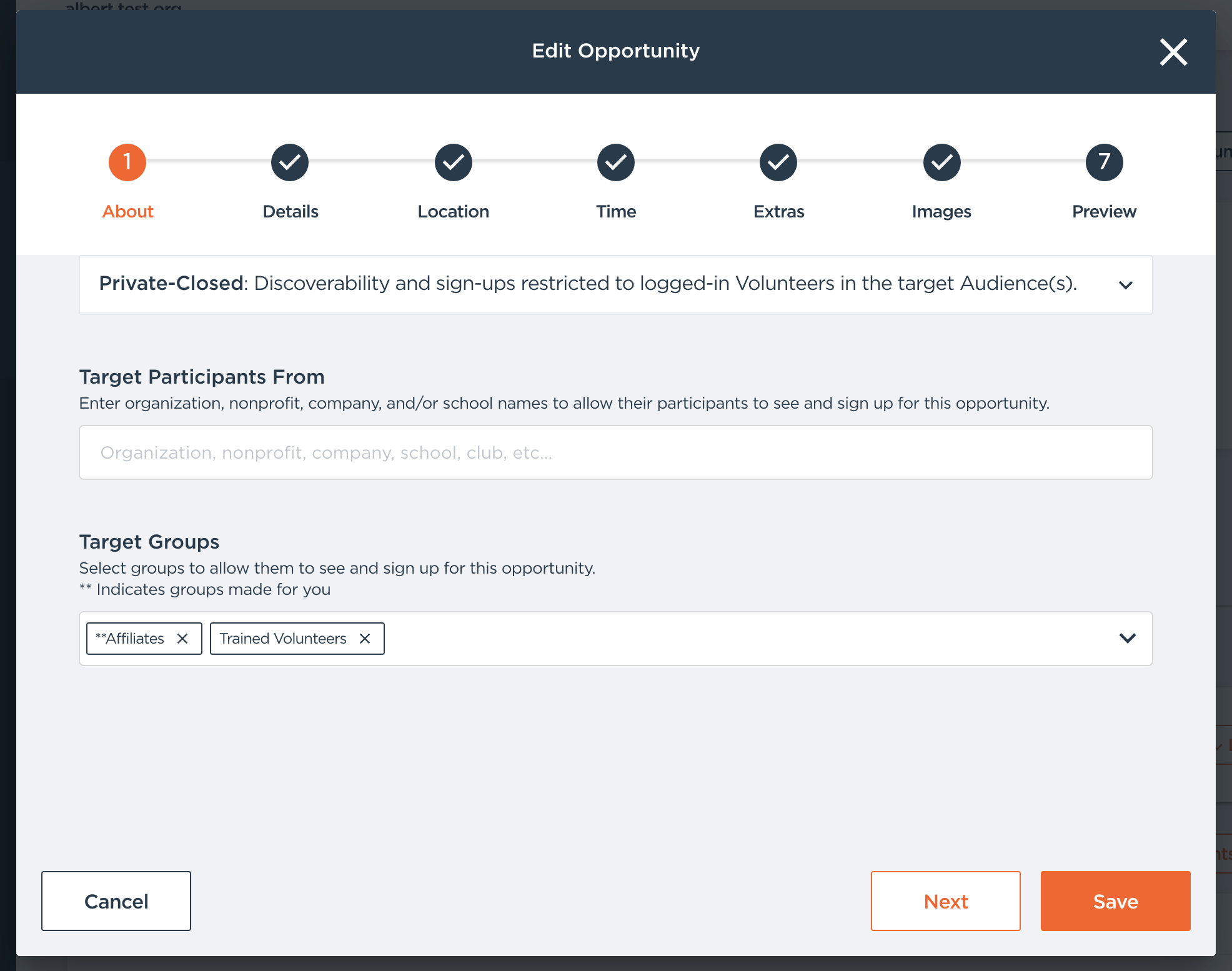
To have participants report back hours completed on their own, please start by creating a new Opportunity from scratch and selecting the "Flexible" Opportunity type. 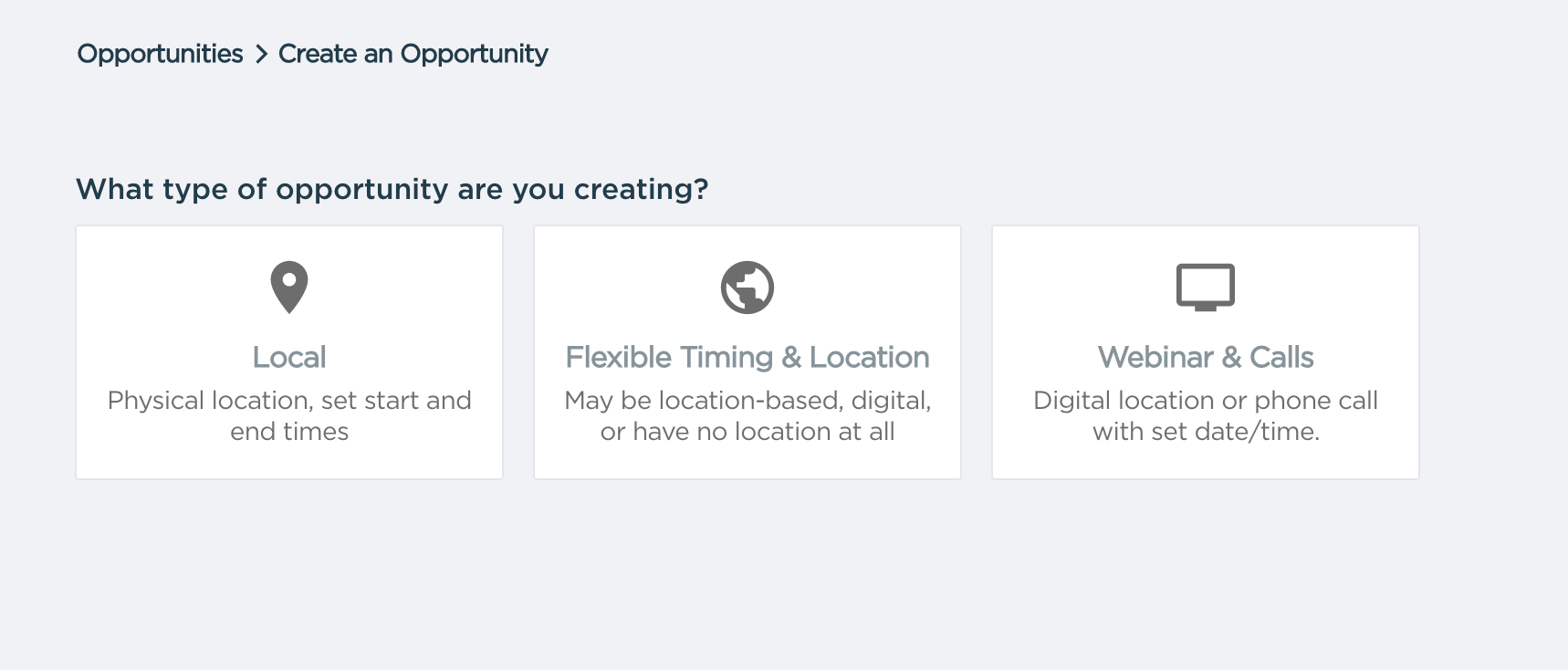 Note: You may want to set Visibility to Private (and Accessibility to Open or Restricted) so only your participants can view it.
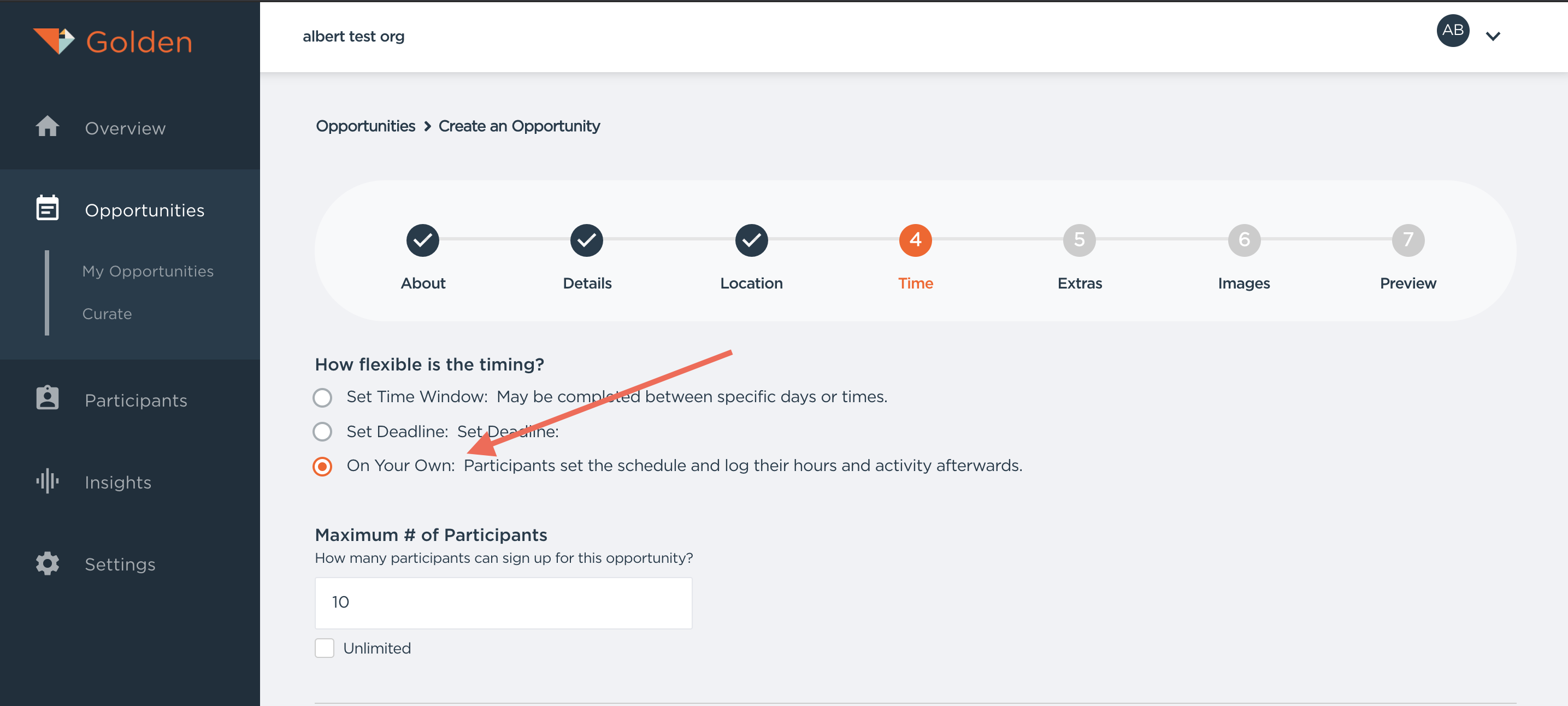
Make sure to choose the "On Your Own" option in the Time portion of opportunity creation.
You also have the option to send reminders to your participants to help remind them to log hours. In the example below, we have chosen to remind participants every two weeks.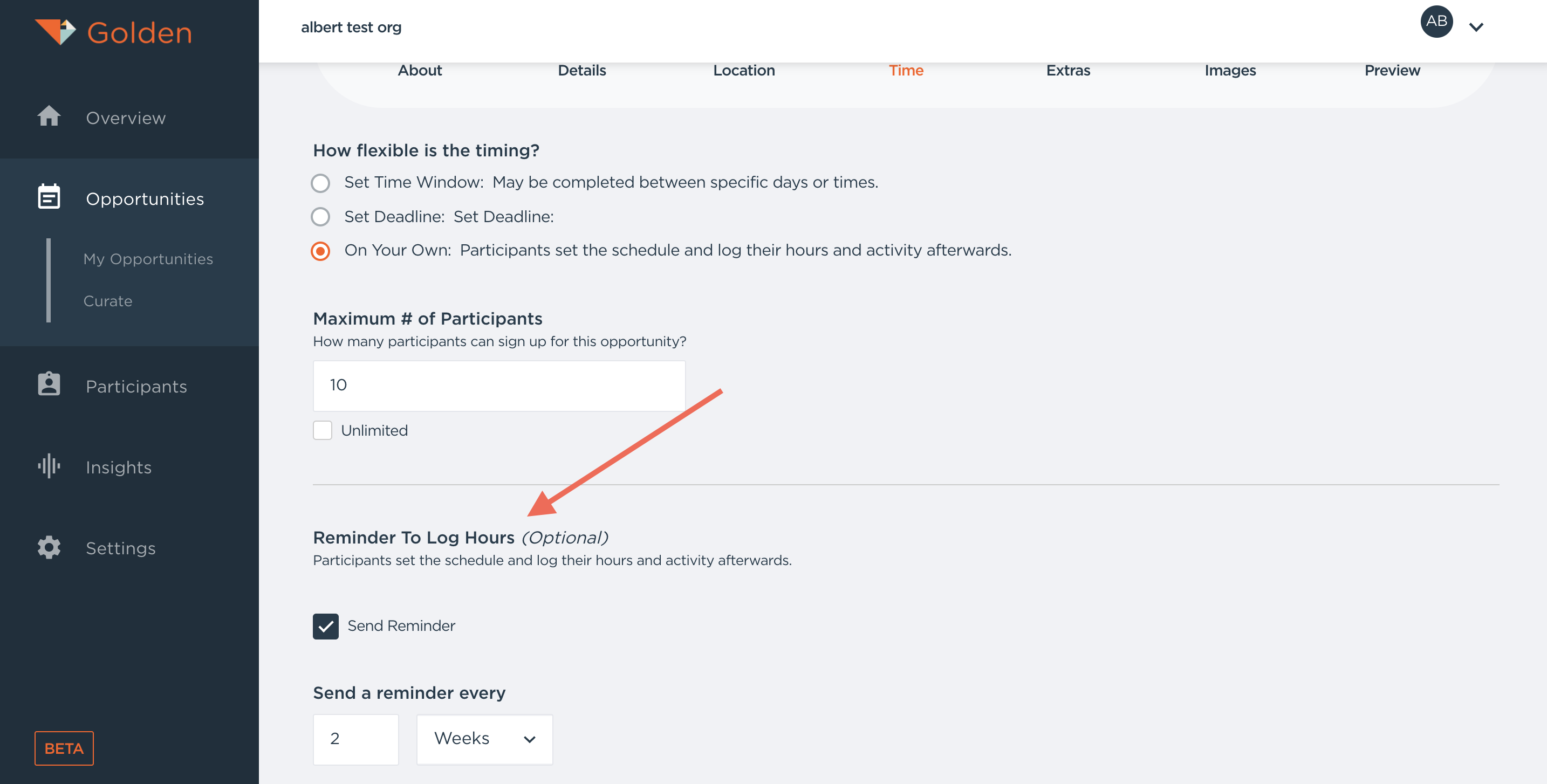
Sometimes Opportunities won't take place on a set schedule. Examples of flexible participant Opportunities include Board Member Meetings, Membership Meetings, Trainings, Interviews, Specific one-off tasks (like clearing a fallen tree from a bike path), and Tutoring children.