
To recover an Opportunity that has been cancelled:
- Login to the Dashboard
- Click on the Opportunities page on the left
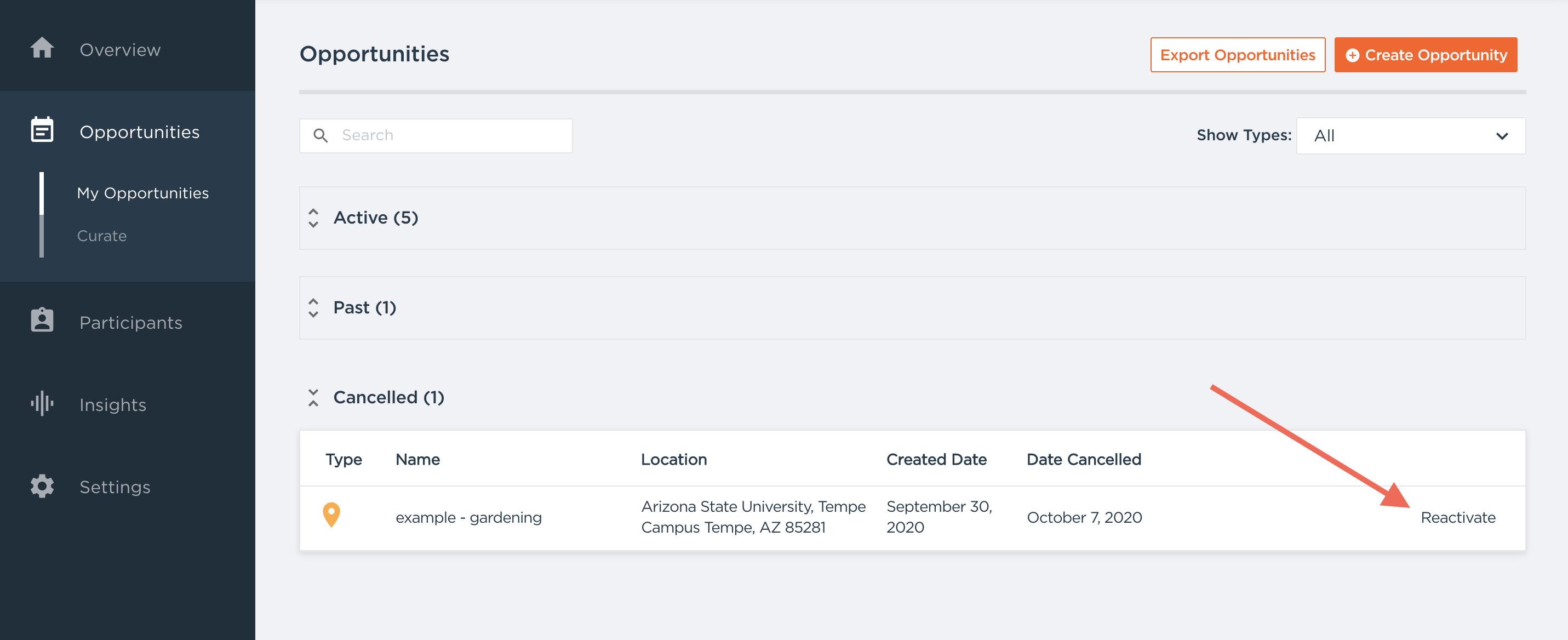
- Find the "Cancelled" section towards the bottom of the screen
- Find the opportunity you would like to make active again and select the "Reactivate" button to the right of it
- This Opportunity will now appear in the main Opportunities tab as Submitted.
- To make it active again, add new time slots.
Questions? Contact us at support@goldenvolunteer.com