
To use the app to automatically check you in and out of Opportunities, you need to enable location services for the Golden app. When you register for an Opportunity with a physical location, the app will set up geofencing to automatically track your attendance.
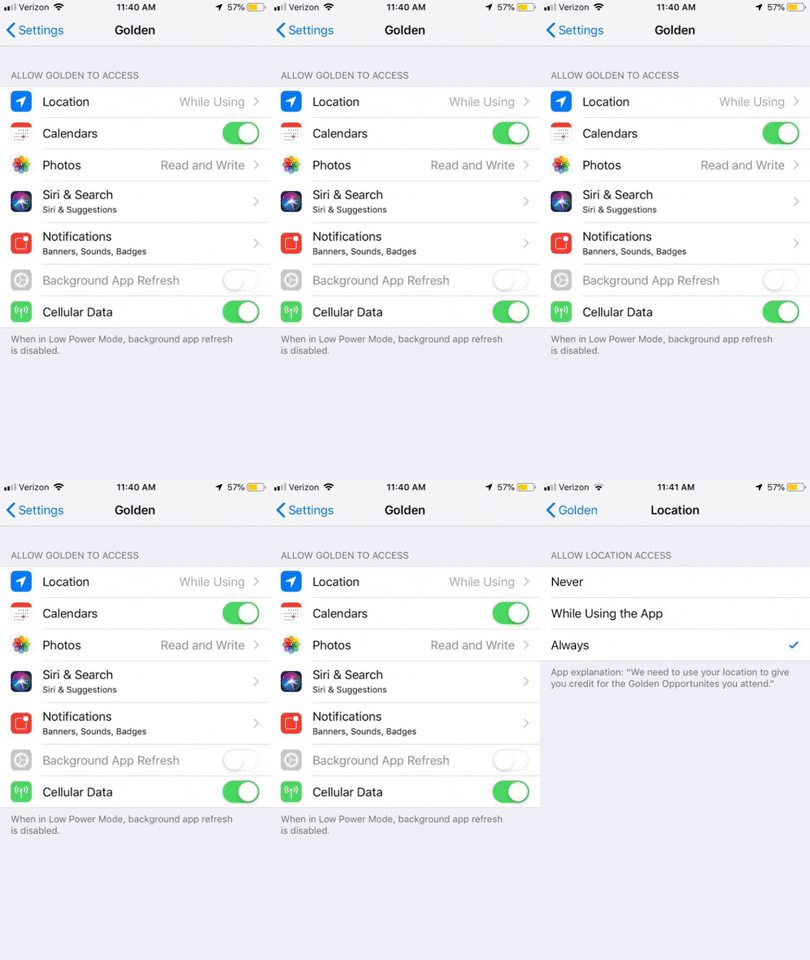
Important Setup Requirements:
- Enable location permissions for the Golden app in your phone settings
- On iOS: Grant "Always" location access for background geofencing to work properly
- On Android: Allow the app to access your location at all times
How It Works:
- When you register for an Opportunity with a location, you'll receive a push notification that activates geofencing
- The app creates a circular region (400 meters radius) around the Opportunity location
- When you enter this region, you'll be automatically checked in
- When you exit this region, you'll be automatically checked out
- This works even when the app is closed or in the background
Questions? Contact us at support@goldenvolunteer.com