
We know that even when participants sign up ahead of time, there's always the chance of surprise participants showing up! The Check-In Kiosk makes it easy to add them on site.
Adding Walk-In Participants
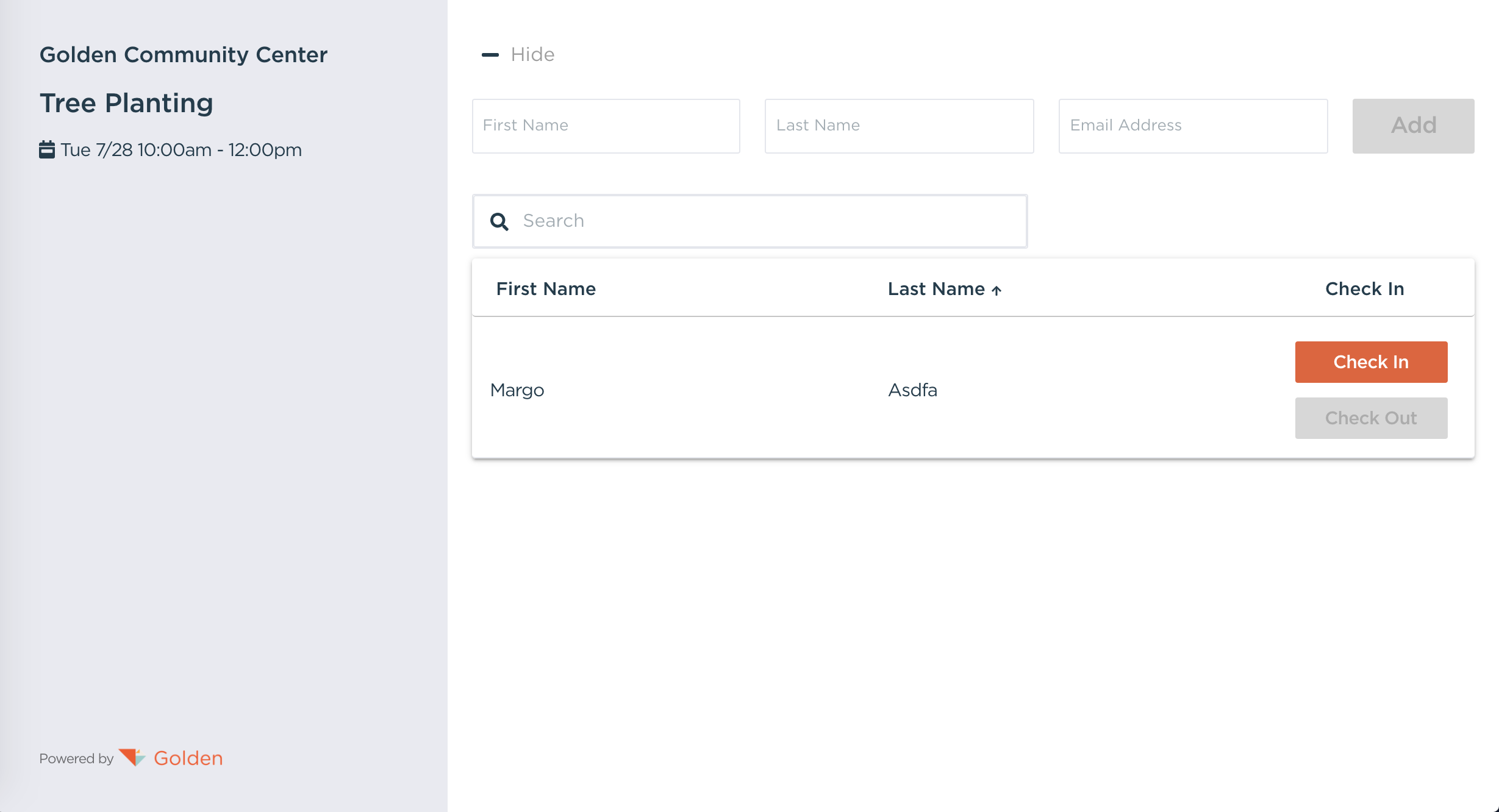
When you launch the Check-In Kiosk, you can quickly register participants who haven't signed up in advance by using the Add Participant button at the top of the page.
Here's what happens when you add a new participant:
- They'll be registered for the opportunity instantly
- They'll automatically be checked in
- They can even sign required waivers digitally right there!
- If the opportunity has a minimum or maximum age, the Kiosk checks the participant's date of birth, and anyone outside the age range will not be able to register.
This makes it simple to capture everyone's participation, even if they didn't register ahead of time.
Questions? Contact us at support@goldenvolunteer.com