Emergency contact information is stored in each participant's profile and can be accessed in two ways:
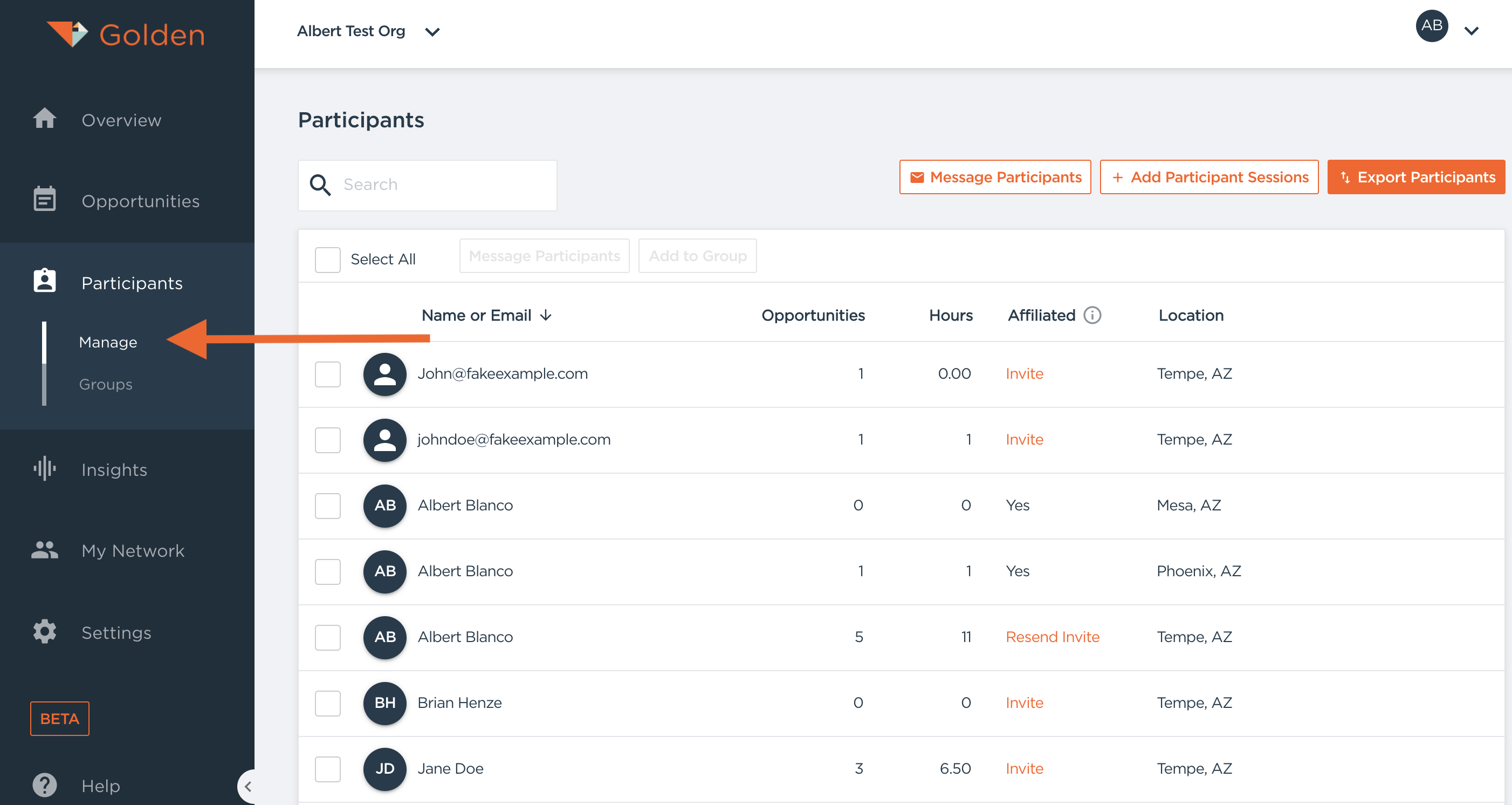
From the Participants Tab
- Navigate to the Participants tab in your dashboard
- Click on any participant's name to open their profile
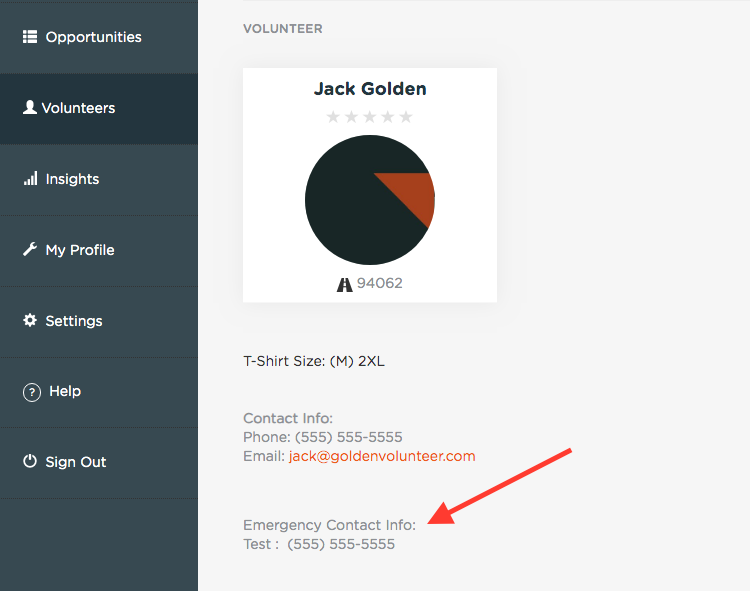
- The emergency contact information will appear in the Personal Information section
From an Opportunity Detail Page
- Go to your Opportunity detail page
- Click on the name of any registered participant
- The participant's profile will open, showing emergency contact information in the Personal Information section
Emergency contact details are displayed when either a name or phone number (or both) have been provided by the participant.
Questions? Contact us at support@goldenvolunteer.com