
You might be wondering why you were required to create an account and conduct a screening like a background check (BGC) or a motor vehicle record (MVR). Some Organizers require that participants pass a screening before they can participate in certain participant Opportunities.
As a participant, you can choose to start the screening(s) beforehand, or check the status of a check, by visiting the Profile section of the Mobile Apps or the Volunteer Web Portal (portal.goldenvolunteer.com) and logging in.
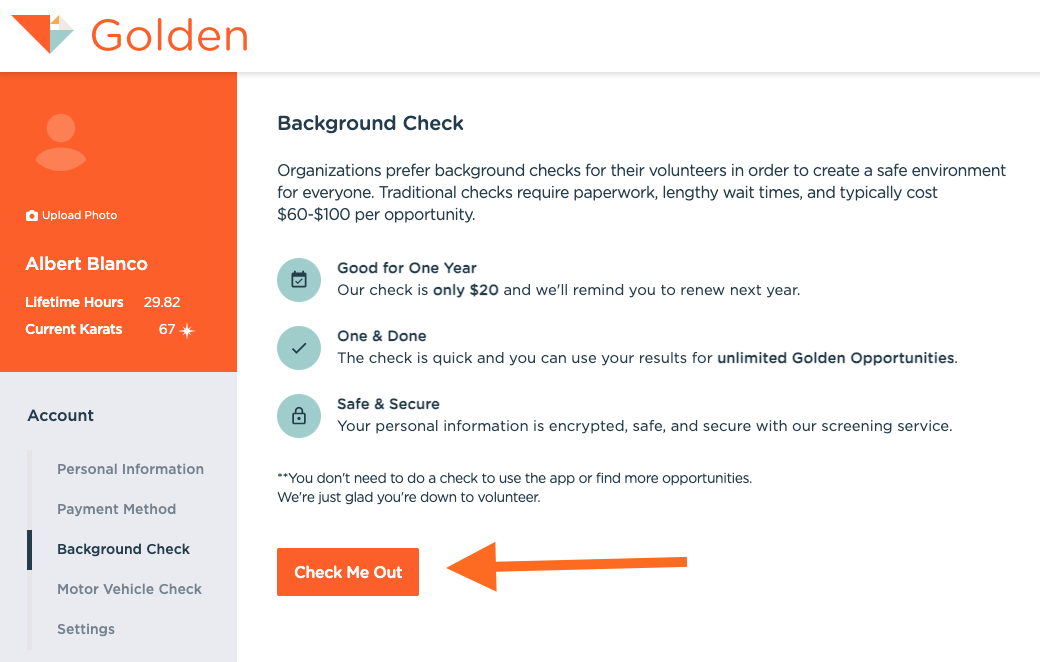
Background Check Details
When registering, participants will be prompted to perform a BGC, MVR, or both in the Golden Mobile App or from the participant portal (both take less than 5 minutes). Participants cover the cost of the check themselves, and it is valid for one year and can be used for any Golden Opportunity. New users can create an account, or sign into an existing account that already has a screening conducted.
When you start a background check, you'll be asked for your date of birth. If you're under 18, the organization's rules may skip the check or stop you from continuing, and you'll see a message explaining why. A check completed while you're under 18 expires on your 18th birthday, or sooner if the organization's usual expiration comes first.
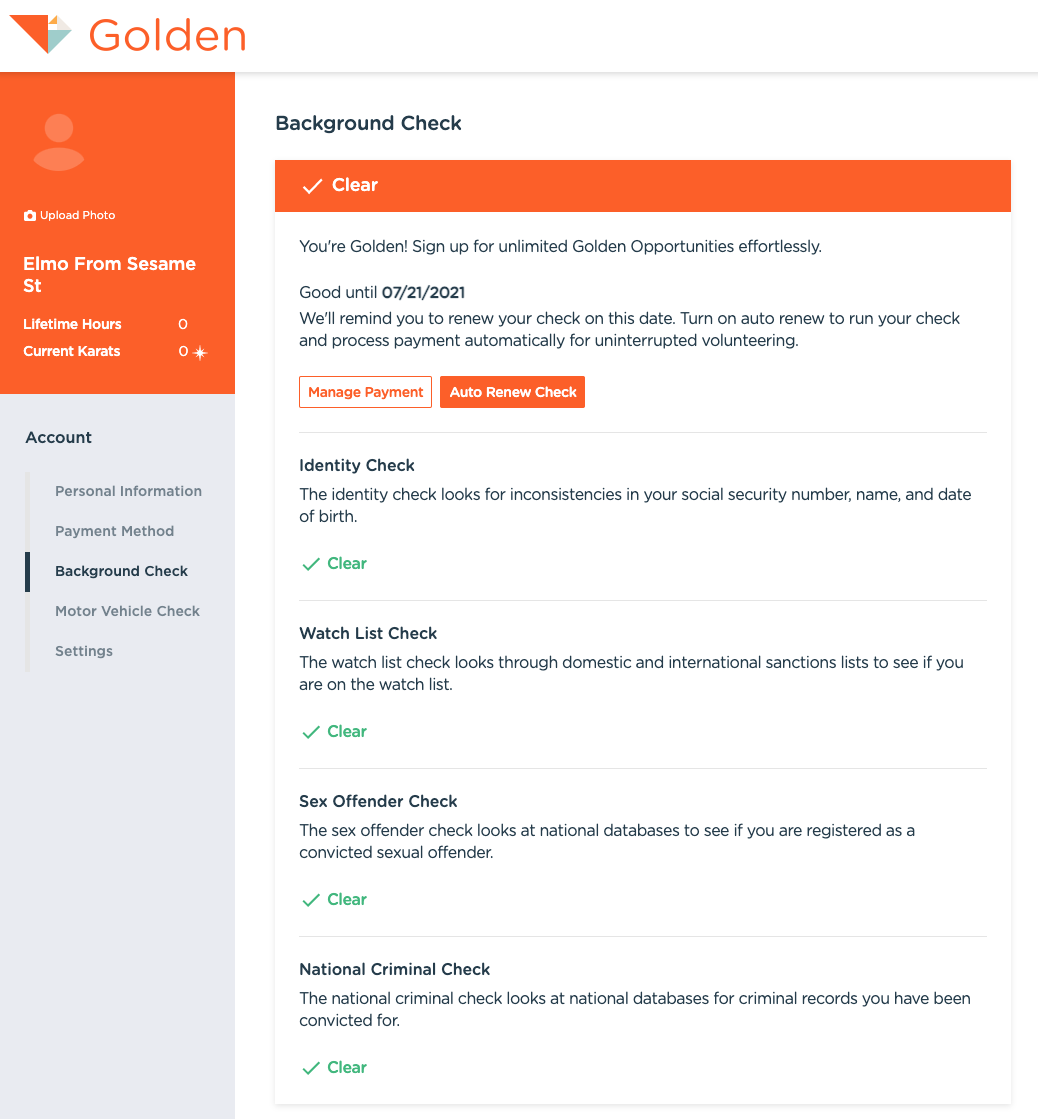
You will receive a copy with specific results of the report when completed. The Organizers who require a screening will see the results (Pass/Fail), but Golden will not share specific details. Many organizations may ask you to provide those details to them directly, but that is up to you.
Requirements
Background checks will require the following:
- Legal First Name
- Legal Middle Name (if applicable)
- Legal Last Name
- Date of Birth
- Social Security Number
- Zip/Postal Code
- Phone Number
Motor Vehicle Record checks will require:
- Legal First Name
- Legal Middle Name (if applicable)
- Legal Last Name
- Driver's License number/state
- Date of Birth
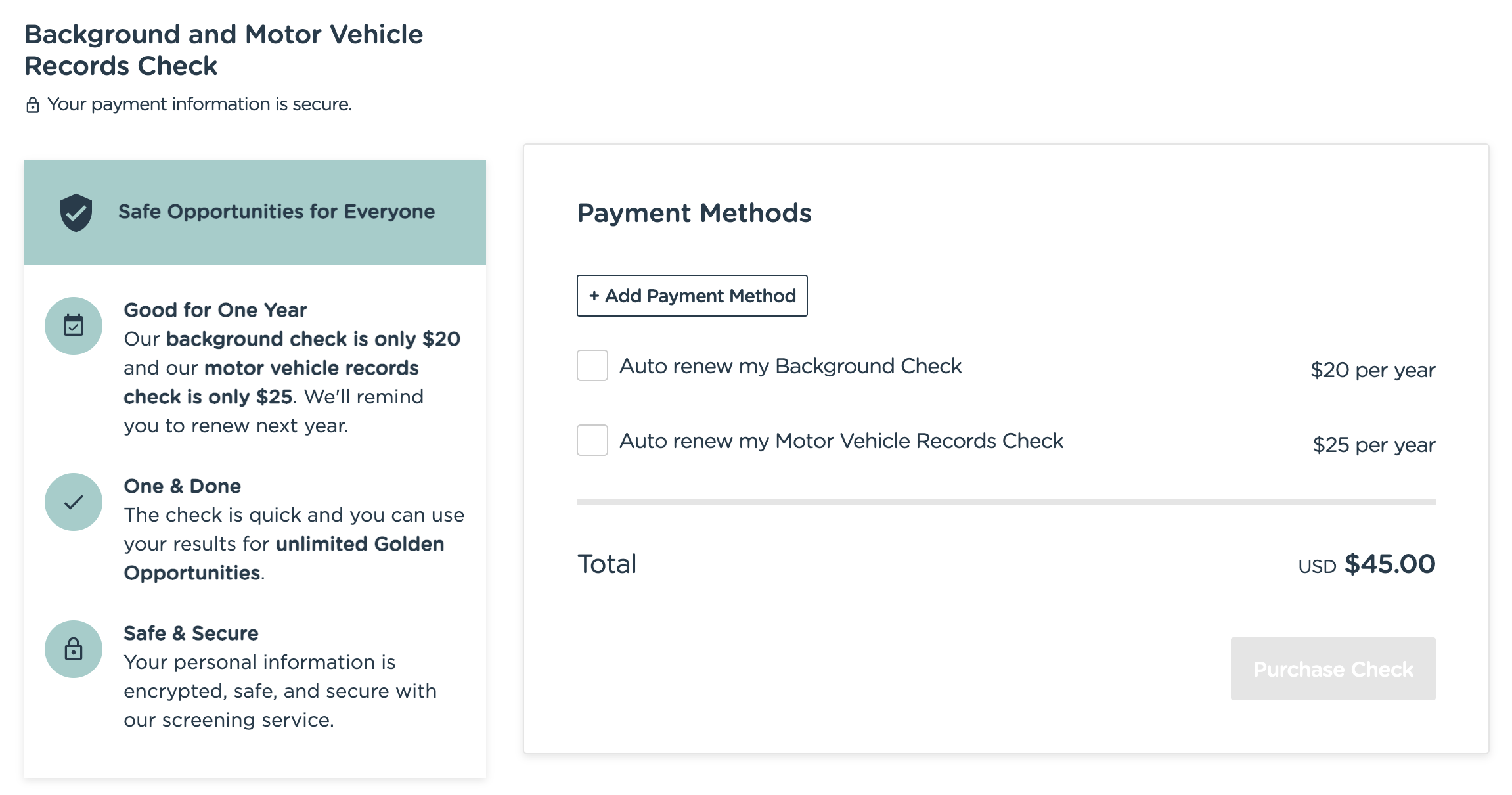
Towards the end, participants will be asked to upload a copy of their photo ID. If you're paying for the check yourself, you'll also enter a payment method. If the organization is sponsoring the check, you'll see an "Organization Sponsored" step instead and won't be asked for a card. Accepted IDs are:
- Driver's license
- State ID
- Passport
Questions? Let us know at support@goldenvolunteer.com